


Have you ever hosted an event, festival, or conference that required a dedicated website? Or maybe you’ve helped someone or an organization you’re part of.
Whatever the case, WordPress has everything you need to create a professional event website quickly.
With the free themes below, you can build the website your event needs in under an hour. The best part: you don’t need third‑party page builders or lots of plugins. Everything is built with WordPress’s native Block Editor.
Steps to get your event’s website up and running:
- Choose a theme and a demo template
- Install the theme and import the demo content
- Edit the template, add your information and images
- Customize the details — logo, fonts, colors, contact info
- You’re ready!
Install the right starter template!
The themes I’m about to show you below have hundreds of pre-built demos. Some are free, and some are pro. I’ve selected the most suitable free demos for an event website. Make sure to find the template you need when installing the demo content!
Use these starter sites as a foundation for your events website.
1. KadenceWP
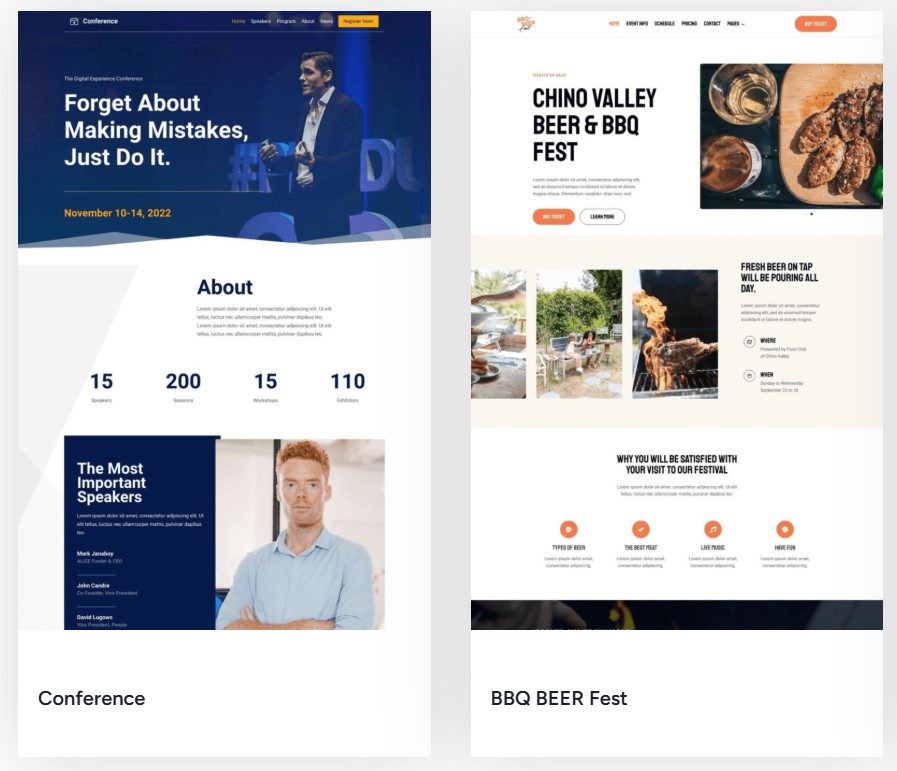
Highlights:
- Offers a ready‑made “Events” starter template with sections for schedule, speakers, gallery, and integrations with The Events Calendar and Event Tickets.
- Lightweight, fast, and SEO‑optimized.
- Features a drag‑and‑drop header/footer builder, global styles, and a fully responsive design.
Why choose it: Works perfectly with the native Block Editor. No extra builder needed.
You can, of course, choose from the other templates as well. Your imagination is your best bet when it comes to website creation. Check also the Non-profits category, where you can find more suitable templates.
2. Astra
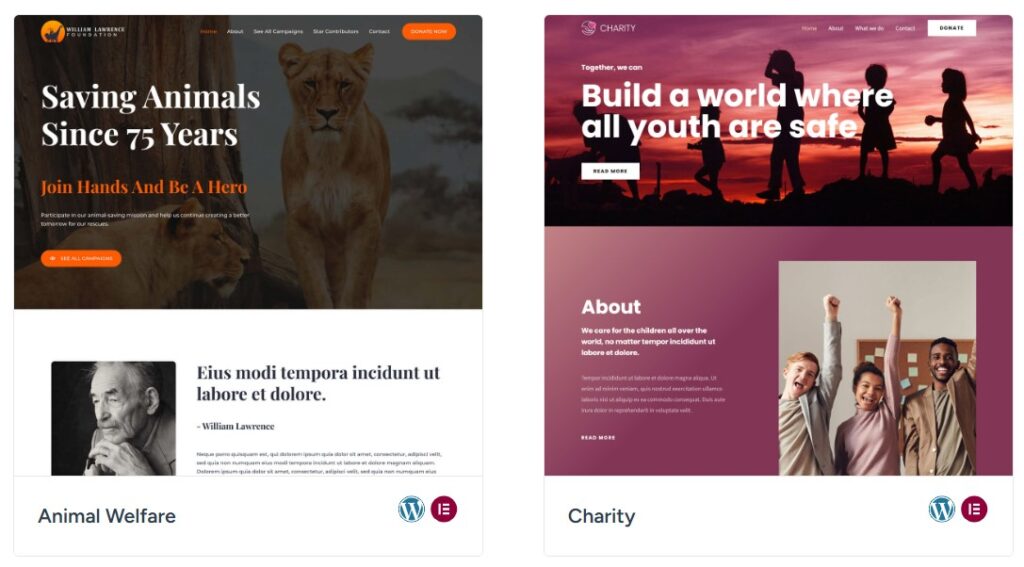
Check the demos from the image above here.
Highlights:
- Lightweight, fast, and comes with several event templates, such as “Conference Event,” featuring a schedule, registration form, CTA buttons, and maps.
- Excellent performance: minimal JS, small file size, high PageSpeed scores.
- Compatible with WooCommerce and popular event/registration plugins.
Limitation: Free version offers basic styling and layout options compared to the pro version (but still very customizable).
3. Blocksy
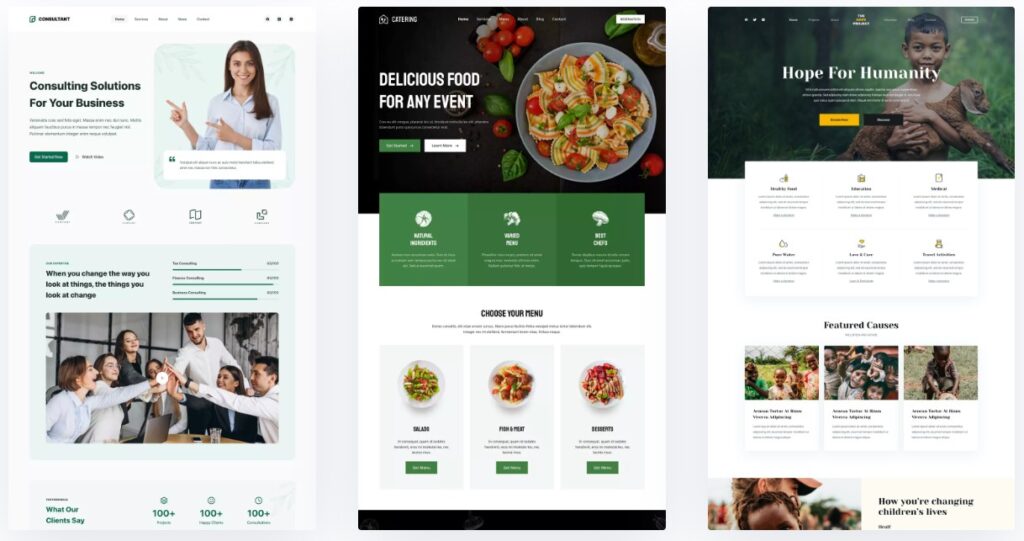
All the templates above are free! Check them out here
Highlights:
- Modern, Gutenberg‑first theme with many customization options in the free version.
- Optimized for speed and SEO, easy to style without coding.
- Comes with starter sites and flexible layouts.
- Note: Does not have a specific event demo like Kadence, but it’s highly customizable to fit event needs. Non-profit category has 3 free templates.
4. QI Theme (Free Version)
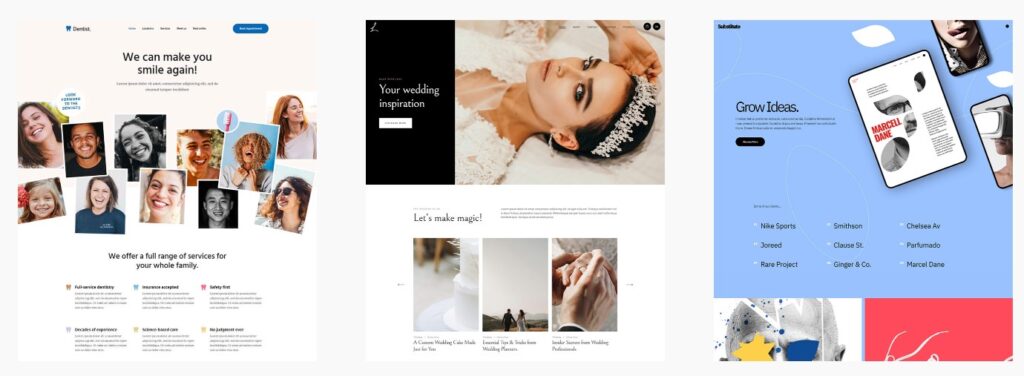
Very creative and customizable free theme, check all the demos here.
Highlights:
- Includes basic templates that can be adapted for events, with layouts for programs, speakers, and forms.
- Suitable for small events.
Limitation: Some features like advanced schedules or ticketing might be restricted to the premium version. Check before use.
5. Blocksy
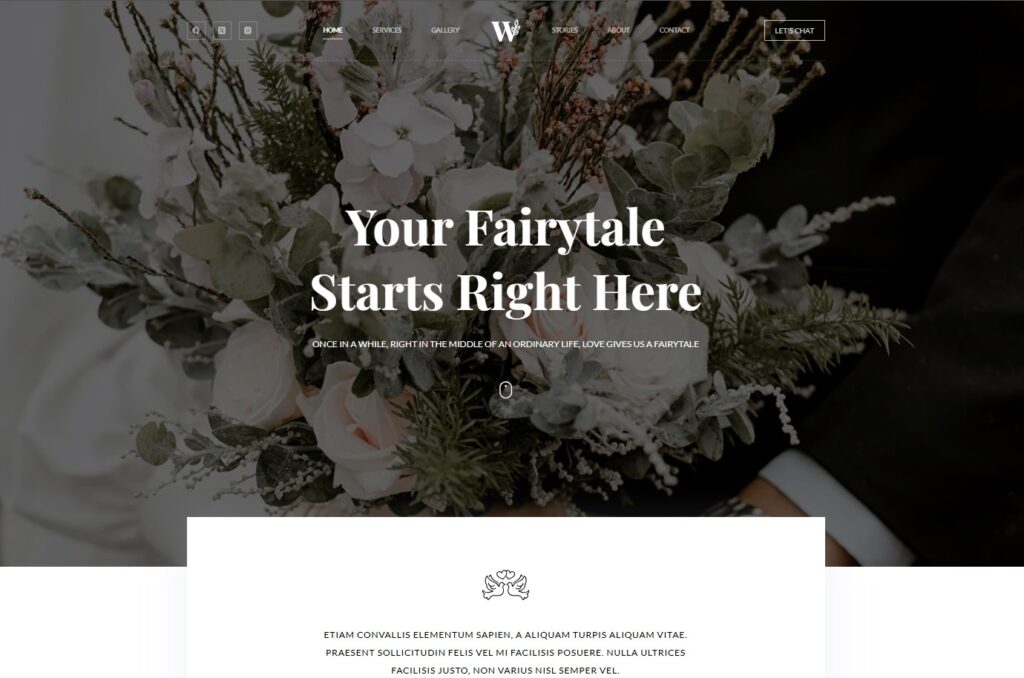
Lightweight, modern WordPress theme with strong performance and deep customization options. Works well with page builders and Gutenberg. Check all the demos here.
Highlights:
- Clean starter sites that can be adapted for events (conference, wedding, webinar).
- Flexible header/footer builder for adding schedules, CTAs, and registration links.
- Good integration with Gutenberg and builders like Elementor.
- Fast loading and SEO-friendly structure.
Suitable for:
Small to medium events, landing pages, and simple event sites.
Limitation:
Advanced features like event scheduling systems, ticketing, or dynamic content require plugins or the Pro version.
You’ve Chosen Your Theme – Now Get Hosting and Launch Your Event Website
You’ve picked your theme and can already visualize your event website. The next step is to choose a hosting. Without hosting, your site can’t go live.
A great place to start is our hosting guide for the best cPanel hosting. With plans starting at just $2-3/month, you can be up and running in no time, with no upfront investment.


Why Hostinger is a great choice for WordPress beginners:
- Affordable plans starting at just a few dollars per month.
- 1‑Click WordPress installation — no technical skills needed.
- Free domain name and SSL certificate included with most plans.
- Optimized for WordPress with built‑in caching and fast load times.
- Easy‑to‑use control panel and 24/7 support if you get stuck.
With hosting sorted out, you’re only minutes away from launching your new event website.
Disclosure: Some of the links on the page may contain a ref code (affiliate links), that tells the other side that we have sent you. If you liked what we suggest and you make a purchase, we may receive a commission.
